
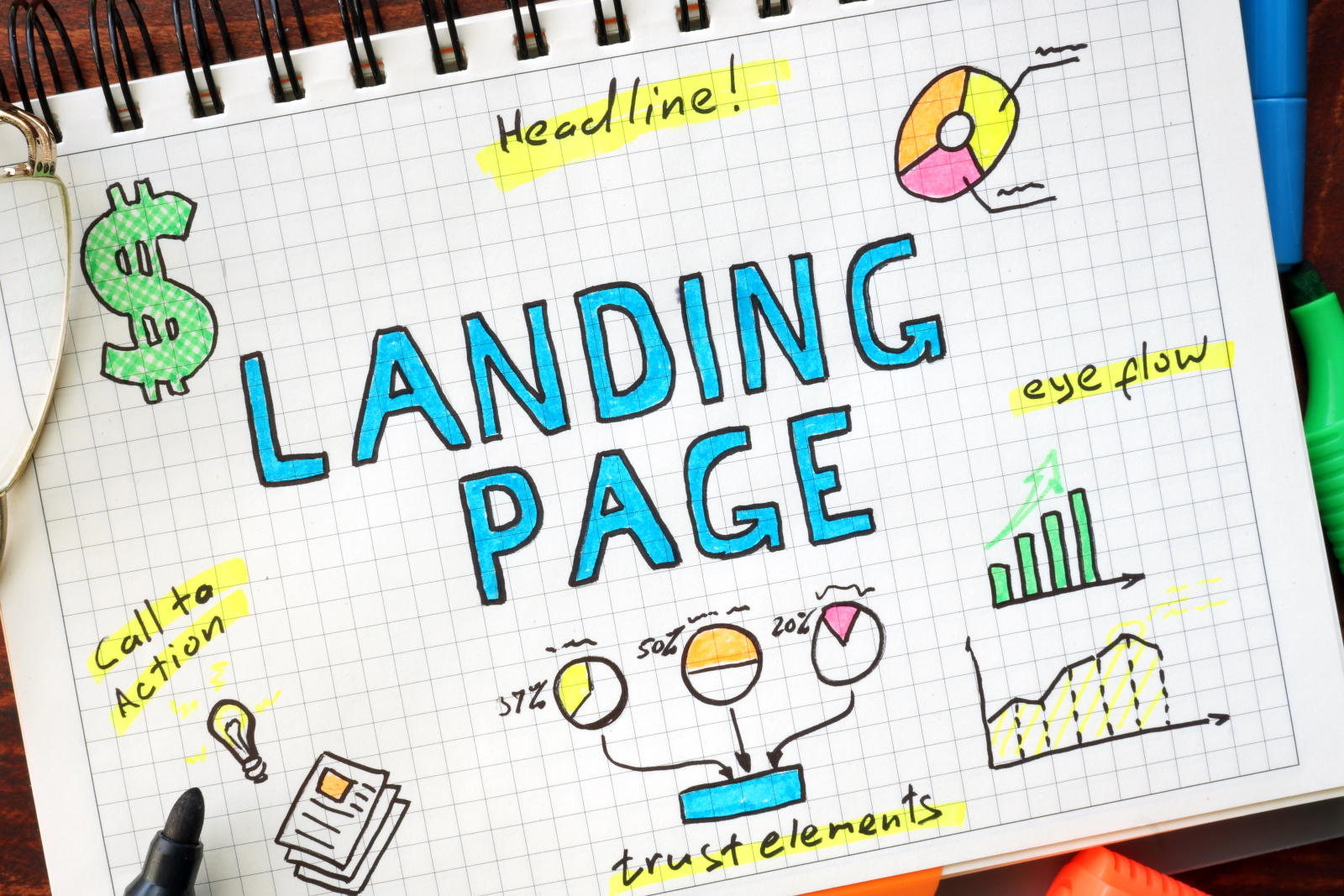
A high-converting landing page for your email list needs a clear headline, a single focused call-to-action, and a simple sign-up form with five fields or fewer. According to Unbounce’s Q4 2024 Conversion Benchmark Report, the median landing page conversion rate is 6.6%, but email traffic converts at nearly three times that rate. With the right approach, Simplelists customers can build thriving group email communities through well-crafted landing pages.
Whether you’re managing a club newsletter, a community discussion group, or internal team communications, your landing page is often the first impression potential members have of your organisation. Getting it right means the difference between a growing, engaged community and a stagnant list.
This guide covers everything you need to know about creating effective landing pages in 2026, from conversion benchmarks to mobile optimisation, privacy compliance, and the technical requirements that help both search engines and AI systems understand your content.
What Conversion Rate Should You Expect?
Understanding realistic benchmarks helps you set appropriate goals. The Unbounce 2024 Conversion Benchmark Report, analysing over 41,000 landing pages and 464 million visitors, provides the most comprehensive data available.
Key benchmarks to know:
- 6.6% – median conversion rate across all industries
- 10%+ – considered “good” performance
- 15%+ – top-tier landing pages
- Email traffic – converts significantly higher than other channels
For organisations using Simplelists group email management, this is encouraging news. People who arrive at your sign-up page from an existing email or referral from a current member are already warmer leads than cold traffic from advertising.
If your current landing page converts below 5%, there’s significant room for improvement. A well-optimised page for a group email list should aim for 8-12%, given the typically higher intent of visitors seeking community membership.
The Five Essential Elements Every Landing Page Needs
Regardless of your industry or audience, high-converting landing pages share common elements. Here’s what research consistently shows works best:
1. A Clear, Benefit-Focused Headline
Your headline should immediately communicate what visitors gain by joining your list. Avoid generic phrases like “Sign up for our newsletter” in favour of specific benefits: “Join 2,000 parish members receiving weekly community updates” or “Get exclusive club event announcements before they’re public”.
2. A Single, Focused Call-to-Action
One of the most common mistakes is offering too many options. Every landing page should have one primary action you want visitors to take. For email list sign-ups, this means one form, one button, and one clear next step.
3. A Simple Sign-Up Form
Form length directly impacts conversion rates. Research shows that forms with five fields or fewer convert significantly better than longer forms. For most types of mailing lists, you typically only need an email address and perhaps a name. Each additional field you add gives visitors another reason to abandon the process.
4. Social Proof and Trust Signals
Testimonials, member counts, and trust badges reduce anxiety about signing up. A simple statement like “Join over 1,500 members” or a brief quote from a satisfied member can meaningfully increase conversions. Studies suggest testimonials can increase conversions by up to 34%.
5. Privacy Reassurance
With growing awareness of data privacy, visitors want to know their information is safe. A brief statement about how you’ll use their email – and a link to your GDPR compliance policy – builds trust. This is especially important for organisations handling sensitive group communications.
Mobile Optimisation: Why It’s Non-Negotiable in 2026
Mobile devices now account for over 80% of landing page traffic. Yet desktop visitors still convert approximately 8% better than mobile users. This gap represents a significant opportunity for organisations that optimise their mobile experience properly.
Here’s what effective mobile optimisation looks like for your email list landing page:
Mobile-First Design Checklist:
- Single-column layout that reads naturally on small screens
- Touch-friendly buttons with minimum 48×48 pixel tap targets
- Form fields using appropriate input types (email, tel) for correct keyboards
- Font sizes of at least 16px to prevent zoom on input focus
- Sticky call-to-action button that remains visible while scrolling
If your members frequently access emails on their phones – which most people do – they’ll likely encounter your landing page on mobile first. A frustrating mobile experience doesn’t just lose that sign-up; it creates a negative first impression of your entire organisation.
Page Speed and Core Web Vitals: The Technical Foundation
Google’s Core Web Vitals have become essential metrics for any web page, including landing pages. These three measurements directly affect both your search rankings and conversion rates.
| Metric | What It Measures | Target |
|---|---|---|
| LCP (Largest Contentful Paint) | Loading performance | Under 2.5 seconds |
| INP (Interaction to Next Paint) | Responsiveness | Under 200 milliseconds |
| CLS (Cumulative Layout Shift) | Visual stability | Under 0.1 |
Currently, only about 47% of websites pass all three Core Web Vitals thresholds. Research suggests that improving from “poor” to “good” scores can increase conversions by up to 25%. For a landing page specifically designed to capture email sign-ups, this can translate to hundreds of additional members over time.
The most common issues affecting page speed include unoptimised images, excessive JavaScript, and third-party tracking scripts. A simple landing page focused on email capture shouldn’t need complex functionality – keep it lean and fast.
Writing Copy That Converts
The Unbounce research revealed something surprising: landing pages written at a 5th to 7th-grade reading level convert nearly twice as well as those written at a professional level. This doesn’t mean dumbing down your message – it means writing clearly and directly.
For group email sign-up pages, effective copy answers three questions quickly:
- What is this? – Clearly state what kind of emails they’ll receive
- Why should I join? – Highlight the specific benefits of membership
- What happens next? – Set expectations for frequency and content type
Attention spans have decreased significantly in recent years. Keep your landing page copy concise – studies suggest reducing copy by 50% can increase conversions by 30%. Every sentence should earn its place on the page.
When you’re ready to build your email list, focus on communicating genuine value rather than clever marketing speak. People join group emails because they want to be part of something – your copy should reflect that community focus.
Personalisation and Segmentation Strategies
Personalised calls-to-action can perform up to 202% better than generic ones, according to HubSpot research. For email list landing pages, personalisation might include:
- Different landing pages for different referral sources
- Location-specific messaging for regional groups
- Role-based pages (members vs. volunteers vs. sponsors)
- Interest-based variations for organisations with multiple topics
With personalised group email marketing, you can create targeted experiences that speak directly to different audience segments. A parent joining a school mailing list has different motivations than a local business sponsor – your landing pages can reflect this.
Start simple with two or three variations, then test and expand based on results. The goal is relevance, not complexity.
Privacy Compliance and Building Trust
With the European Accessibility Act enforcement beginning in June 2025 and ongoing GDPR requirements, privacy-first design is both a legal requirement and a trust-building opportunity.
Your landing page should include:
- Clear opt-in consent (no pre-ticked boxes)
- Explanation of how email addresses will be used
- Link to your full privacy policy
- Easy unsubscribe information
- Data minimisation – only collect what you actually need
For organisations managing group communications, particularly in healthcare, education, or finance, these considerations are even more critical. Simplelists provides GDPR-compliant infrastructure that handles the technical aspects of data protection, allowing you to focus on creating effective landing pages.
Consider double opt-in for your mailing lists. While it adds a step, it ensures you’re building a list of genuinely engaged members and provides clear evidence of consent.
What Happens After Someone Signs Up
Your landing page doesn’t exist in isolation – it’s the beginning of a member journey. The experience immediately after sign-up significantly affects whether people stay engaged or unsubscribe after their first email.
A good post-sign-up flow includes:
- Thank you page – Confirm the sign-up and set expectations
- Confirmation email – For double opt-in, make this clear and easy to complete
- Welcome email – Introduce your organisation and what members can expect
- First regular communication – Deliver on the promise you made on the landing page
For comprehensive guidance on the full process, our email list marketing guide covers everything from initial capture to ongoing engagement.
Testing and Continuous Improvement
Even well-designed landing pages can be improved. However, it’s worth noting that only about 12.5% of A/B tests produce statistically significant results. This means you need sufficient traffic and clear hypotheses before investing heavily in testing.
For most organisations, focus on these high-impact areas first:
- Headline variations – Test different benefit statements
- Call-to-action button text – Compare generic vs. specific language
- Form length – Test minimal fields vs. slightly more detailed capture
- Social proof placement – Above or below the form
Free tools like Microsoft Clarity offer heatmaps and session recordings that show exactly how visitors interact with your page. This data often reveals issues you wouldn’t notice otherwise – like form fields that cause confusion or sections that visitors scroll past without reading.
Frequently Asked Questions
How many form fields should a landing page have?
Five or fewer fields typically converts best. For email list sign-ups, you often only need an email address and name. Each additional field reduces conversion rates, so only collect information you’ll actually use. If you need more details, consider collecting them later in a welcome email survey.
Should I use pop-ups to capture email addresses?
Pop-ups can work but require careful implementation. Avoid immediate full-screen pop-ups on page load, as these harm user experience and can affect search rankings. Exit-intent pop-ups or timed overlays that appear after engagement tend to perform better while being less intrusive.
How long should my landing page be?
Length should match complexity. For simple email list sign-ups where visitors already understand what they’re joining, shorter pages often work best. For new audiences unfamiliar with your organisation, longer pages that build trust and explain value can convert better. Test what works for your specific audience.
Do I need a dedicated landing page, or can I use my homepage?
Dedicated landing pages typically outperform homepages for email capture. Your homepage has multiple purposes and navigation options, while a landing page can focus entirely on one action. For campaigns or referral links, always direct visitors to a dedicated page with a single clear call-to-action.
How do I measure if my landing page is working?
Track conversion rate (sign-ups divided by visitors), bounce rate, and time on page. If you’re running paid advertising, also monitor cost per acquisition. For a baseline, aim for at least 5% conversion, with 10%+ indicating good performance. Use tools like Google Analytics and Microsoft Clarity to understand visitor behaviour.
Start Building Your Email Community
Creating effective landing pages doesn’t require technical expertise or expensive tools. Focus on the fundamentals – a clear headline, simple form, compelling reason to join, and fast mobile experience – and you’ll be ahead of most organisations.
Simplelists makes the backend easy so you can focus on growing your community. With web subscription forms that integrate seamlessly with your landing page, automatic bounce handling, and GDPR-compliant data management, you can create a professional sign-up experience without technical complexity.
References
- Unbounce. (2024). Conversion Benchmark Report 2024. https://unbounce.com/conversion-benchmark-report/
- Google Developers. (2025). Understanding Core Web Vitals and Google Search Results. https://developers.google.com/search/docs/appearance/core-web-vitals
- Web.dev. (2025). How the Core Web Vitals Metrics Thresholds Were Defined. https://web.dev/articles/defining-core-web-vitals-thresholds
- Google Search Console Help. (2025). Core Web Vitals Report. https://support.google.com/webmasters/answer/9205520
- Unbounce. (2025). What is the Average Landing Page Conversion Rate?. https://unbounce.com/average-conversion-rates-landing-pages/
Simplelists provides simple group email hosting and management for organisations of all sizes. Learn more about our services.