Before delving into writing HTML code for your bespoke design email, it’s a good idea to spend a few minutes doing some planning first. Don’t think of this stage as wasted time - it is more likely to be the opposite - saving you time in the long run as you will know exactly what you are aiming for before starting. A well-planned email is also likely to be a success, especially if you are using the email for marketing purposes.
A recent study carried out by ReturnPath estimated that only 79% of emails sent by legitimate email marketers (i.e. emails sent to people who signed up to your list) reach the inbox. Spam filters are becoming more and more sensitive, to ensure that non-legitimate, spam emails don’t get delivered. It is important to follow a simple set of rules to ensure that your list members receive the emails they have signed up for.

There is lots of information out there about when is the best time of the day/week to send email newsletters, ensuring that as many people as possible open (and read) your message. We’ve already written about how to come up with a good subject line to increase your open rates and in this post we’ll look at the variety of data that analyses the best time to send your email.

We have just completed the final video in our HTML emails series which takes you through everything from designing your email, to writing the code for responsive emails and finally to testing and sending the email. Here are all six parts of the series:

In Part 5 in our video series on creating HTML emails we show you how to add images to the email.

In Part 4 of our video series on creating HTML emails we show you how to add text to the email using tables and also style the text using inline CSS.

We are in the process of making a short video series: 'How To Create HTML Emails’. Part 3 of the series takes you through the HTML which can be used as a starting point when writing the code. We’ve included the code here so that you can copy and paste it if you want to get started making an HTML email quickly:
We’ve just completed a series of short videos on subscribe forms. These videos take you through everything that you need to know to place a subscribe or unsubscribe form on your website: adding a the form to your site, customising the form to suit your needs and styling the form to match your website perfectly...
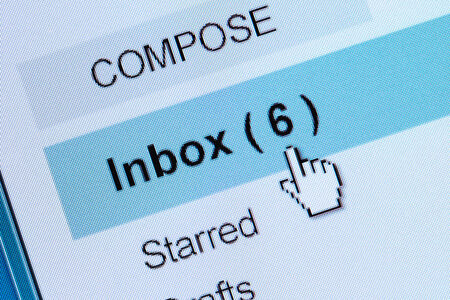
If you’ve ever sent an announcement to your club, nonprofit, or organization’s mailing list only to panic when it doesn’t show up in your Gmail inbox, you’re not alone. With 1.8 billion Gmail users worldwide and Gmail accounting for roughly 24% of all email opens, this behavior affects nearly every mailing list in existence. The good news? Your message was delivered successfully to everyone else. The frustrating part? Gmail has maintained this “feature” for over 15 years with no plans to change it.
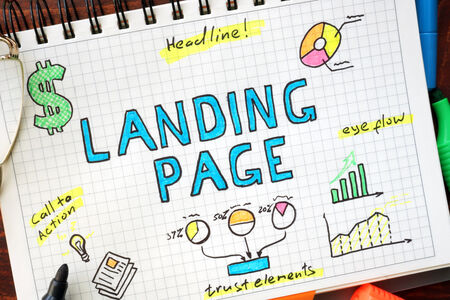
Whether you’re managing a club newsletter, a community discussion group, or internal team communications, your landing page is often the first impression potential members have of your organisation. Getting it right means the difference between a growing, engaged community and a stagnant list.